
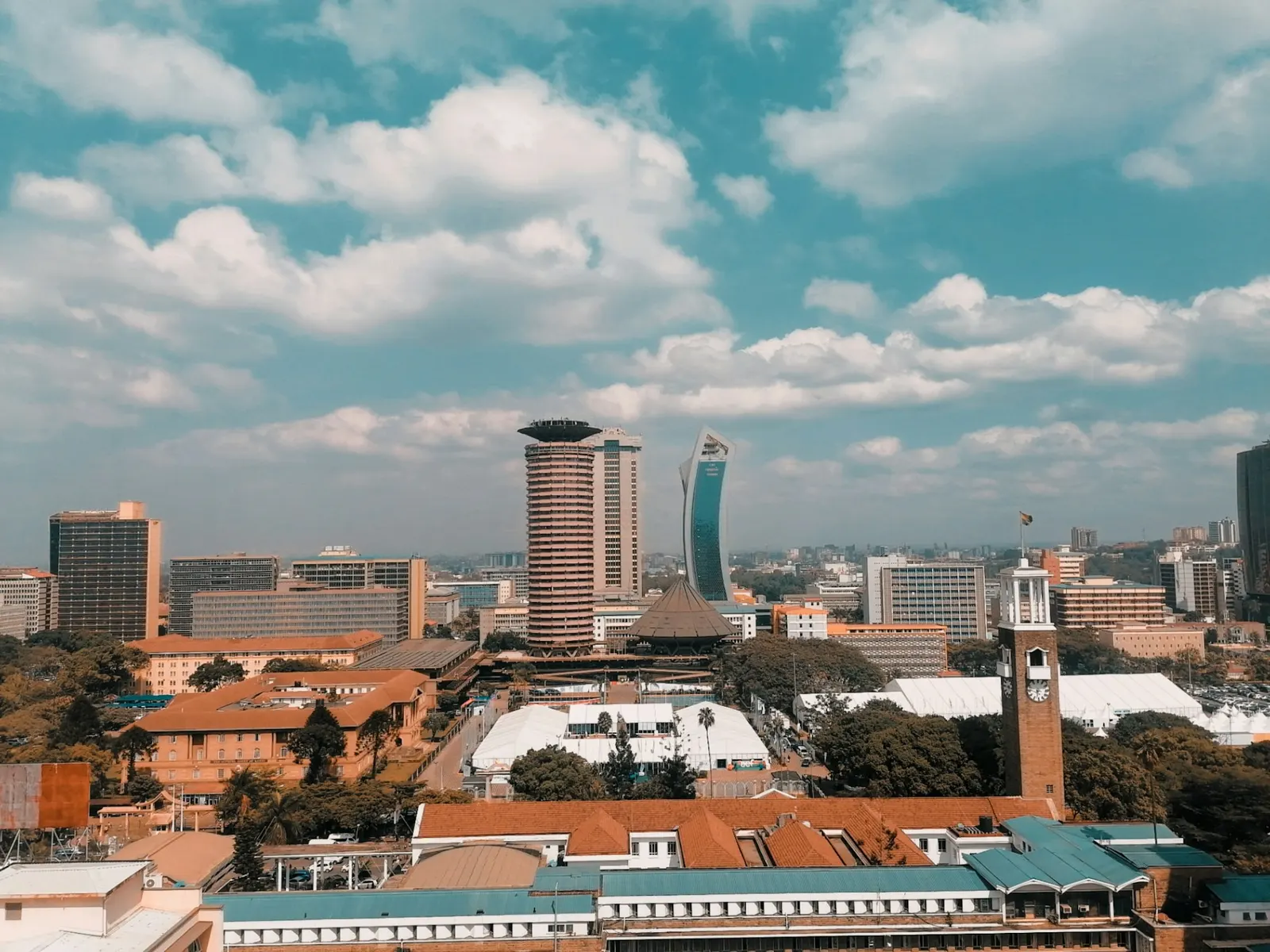
Some venues, such as places already modelled in Event Map, appear on VenueScout before their owners have joined. They are listed as unclaimed, with no reviews. If you run one of them, you can claim it.
1. Create a venue account
Sign up as a venue. You can add a new venue of your own, or find an existing listing and ask to claim it.
2. Request the claim
On the listing, choose to claim it. The request goes to our team, who verify it with you.
3. Get verified
Once the listing is approved you manage it from your venue console: details, capacities by layout, photo links and the nearby places buyers see, such as dining, attractions and tourism, transport and places to stay.
4. Get a 3D model (planned)
A 3D model request for claimed venues is planned and is not available yet. Organisers can already tour venues that have an Event Map model.
5. Answer enquiries
Briefs from organisers arrive in your venue console. Reply with a proposal; if the organiser accepts it, it becomes a booking. Reviews can then be left, and you get a public right of reply.
What it costs
Premium listing is a planned paid plan at KES 7,500 a month (illustrative price). See pricing for the fees on confirmed bookings.
Read more on for venues.